
By a workforce operations consultant with 12 years of hands-on experience implementing scheduling systems across 200+ businesses.
Last year, I watched a bakery owner in Austin spend every Sunday night building next week’s schedule on a yellow legal pad. She had 14 employees, three shift patterns, and two people who couldn’t work Tuesdays. It took her four hours. Every. Single. Week.
Then she switched to employee scheduling software, and that four hours dropped to twenty minutes.
That’s not a sales pitch. That’s what actually happened. And she’s not alone. According to a 2025 report from Grand View Research, the global workforce management software market hit $4.2 billion in 2025 and is projected to grow at 9.3% annually through 2030. The reason? Businesses are finally realizing that manual scheduling is a silent profit killer.
Here’s what the data reveals, what most articles about scheduling software get wrong, and how to figure out if your business actually needs one.
Page Contents
What Is Employee Scheduling Software?
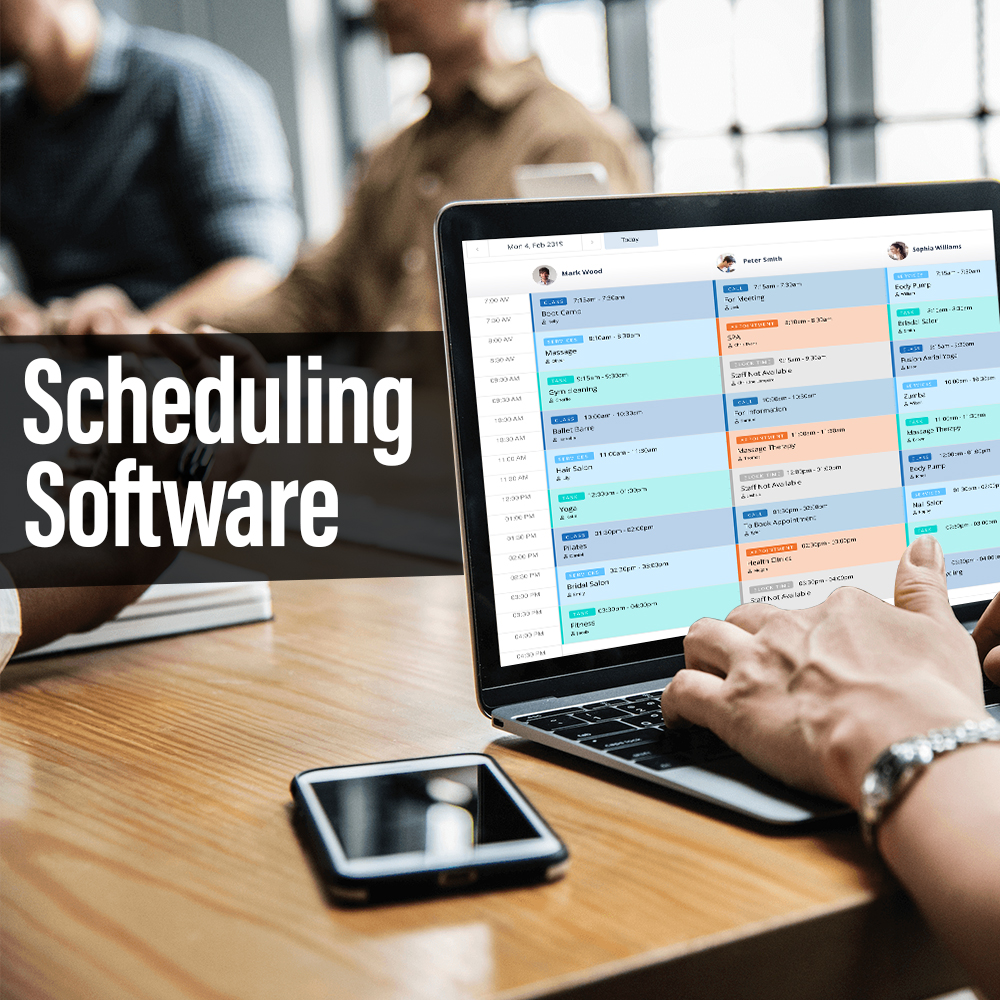
Employee scheduling software is a digital tool that automates the creation, management, and distribution of work schedules for hourly and shift-based teams. It works by pulling together employee availability, labor laws, business demand, and role qualifications into a single platform that generates optimized schedules in minutes rather than hours. As of early 2026, leading platforms like Deputy, When I Work, and Homebase serve over 3 million businesses combined, ranging from five-person coffee shops to enterprise chains with thousands of locations.
Why Manual Scheduling Is Bleeding Your Business Dry
If you’re still building schedules in a spreadsheet, you’re in good company. A 2024 survey by the Society for Human Resource Management (SHRM) found that 58% of small businesses with fewer than 50 employees still rely on Excel, Google Sheets, or paper-based methods for shift planning.
But here’s the kicker: those same businesses reported spending an average of 8.1 hours per week on scheduling-related tasks. That includes building the schedule, fielding swap requests, covering no-shows, and tracking overtime.
Eight hours. That’s a full workday, gone.
And the cost goes beyond time. The American Payroll Association estimates that manual time tracking and scheduling errors lead to 1% to 8% of total payroll being wasted on overpayments, buddy punching, and compliance violations. For a business running $500,000 in annual payroll, that could mean $5,000 to $40,000 lost per year.
I worked with a restaurant group in Denver back in 2023 that was hemorrhaging money on overtime because their managers couldn’t see overlapping shifts across locations. Three months after adopting an automated shift planning tool (they went with 7shifts), their overtime costs dropped 23%. The GM told me, “I didn’t even know how bad it was until I could actually see it.”
Sound familiar?
How to Choose the Right Employee Scheduling App (A 4-Step Framework)
Not every scheduling tool fits every business. I’ve seen companies waste months on platforms that were way too complex for their needs, and I’ve seen others outgrow a bare-bones app in six weeks. Here’s the framework I use with clients.
Step 1: Audit Your Actual Pain Points
Before you Google “best employee scheduling software for small business,” write down what’s actually broken. Is it the time spent building schedules? Constant shift swaps? Compliance headaches with local labor laws? No-show chaos?
Your answer changes which tool you need. A 10-person retail shop needs something different from a 200-person healthcare facility with rotating 12-hour shifts.
Step 2: Match Features to Your Industry
The employee shift scheduling app market has become highly specialized. Here’s a quick breakdown:
- Restaurants and hospitality: 7shifts, HotSchedules (now Fourth) — built around tip pooling, split shifts, and labor cost forecasting
- Retail: Deputy, Homebase — strong on availability management, POS integrations, and labor budgeting
- Healthcare: ShiftMed, QGenda — designed for credentialing, on-call rotations, and fatigue management
- General SMB: When I Work, Connecteam — flexible, affordable, and easy for teams that don’t need industry-specific features
(Trust me, I learned this the hard way after recommending a restaurant tool to a veterinary clinic. It did not go well.)
Step 3: Test the Mobile Experience First
Here’s something most comparison articles skip: over 73% of hourly workers check their schedules on their phone, according to a 2025 study from Workforce Institute at UKG. If the app is clunky on mobile, your team won’t use it. Period. Open the app on your phone before you evaluate anything on desktop.
Step 4: Check Compliance and Integration Capabilities
This is where things get serious. If you operate in states like California, New York, or Oregon, staff scheduling compliance tools aren’t optional. Predictive scheduling laws (sometimes called “fair workweek” laws) require advance notice of schedules, premium pay for last-minute changes, and right-to-rest provisions between shifts.
The U.S. Department of Labor’s Wage and Hour Division (dol.gov/agencies/whd) maintains current federal standards, but state and city regulations often go further. Platforms like Deputy and When I Work have built-in compliance engines that flag violations before you finalize a schedule. If your current system can’t do that, you’re rolling the dice every pay period.
[Suggested image: Comparison table showing compliance features across top 5 scheduling platforms, with alt text: “Feature comparison of employee scheduling software compliance tools for predictive scheduling laws in 2025”]
Excel vs Employee Scheduling Software: An Honest Comparison
I’ll be upfront. Spreadsheets aren’t always the wrong answer.
If you have five employees, one location, and a consistent weekly pattern, a well-built Excel template might work fine. I’ve built scheduling spreadsheets for clients that ran smoothly for years.
But here’s where spreadsheets fall apart:
| Factor | Excel / Google Sheets | Dedicated Scheduling Software |
| Time to build weekly schedule | 2 to 4 hours (manual) | 15 to 30 minutes (auto-fill) |
| Shift swap handling | Texts, calls, chaos | In-app requests with manager approval |
| Overtime tracking | Manual formulas, error-prone | Real-time alerts before thresholds |
| Labor law compliance | You’re on your own | Built-in rule engines |
| Mobile access for staff | Awkward at best | Native apps, push notifications |
| Cost | Free (but your time isn’t) | $2 to $8 per user/month |
[Suggested image: Side-by-side screenshot comparison of an Excel scheduling template versus a scheduling app interface, with alt text: “Excel vs employee scheduling software interface comparison showing shift views”]
The real question isn’t “which is better?” It’s “what’s your time worth?” When I talk to business owners about the Excel vs employee scheduling software debate, the turning point is almost always the same: they hit 15 to 20 employees, and the spreadsheet becomes unmanageable.
One contrarian thought, though. If your business is seasonal with a tiny core team, don’t let anyone pressure you into a paid platform you’ll barely use eight months of the year. Some problems don’t need software. They need a whiteboard.
Real Benefits That Go Beyond “Saving Time”
Yes, scheduling software saves time. But the second-order effects are where the real value hides.
Employee retention improves. A 2025 report from McKinsey & Company on frontline worker satisfaction found that schedule predictability ranked as the #2 factor (behind pay) in whether hourly workers stay or leave. Giving employees a clear, fair, accessible schedule through an app directly reduces turnover. And replacing an hourly worker costs roughly $3,500 on average, according to the Work Institute’s 2025 Retention Report.
Managers become managers again. I’ve watched shift supervisors go from spending half their week on scheduling logistics to actually coaching their teams. That’s not a minor upgrade.
Data starts driving decisions. Modern scheduling platforms generate labor cost reports, peak-hour analysis, and overtime trend dashboards. One retail client of mine discovered that their Saturday afternoon staffing was 40% higher than foot traffic justified. They trimmed two shifts and saved $1,800 per month.
However, if your team is fewer than 10 people and everyone works the same hours, the overhead of learning a new platform might outweigh the benefits. Be honest about your needs.
Frequently Asked Questions About Employee Scheduling Software
How much does employee scheduling software cost for a small business? Most platforms charge between $2 and $8 per user per month, with some offering free tiers for teams under 20 employees. Homebase and When I Work both have free plans that cover basic scheduling. Paid plans typically add features like auto-scheduling, labor forecasting, and compliance tools.
Can scheduling software help with labor law compliance? Yes, and for businesses in jurisdictions with predictive scheduling laws, it’s becoming close to necessary. Platforms like Deputy and 7shifts flag potential violations (such as insufficient rest time between shifts) before schedules are published. The U.S. Bureau of Labor Statistics tracks labor regulation changes at bls.gov, which can help you stay current.
Is it worth switching from Excel to scheduling software? For most businesses with more than 15 employees or multiple shift patterns, yes. The time savings alone typically justify the cost within the first month. But if your scheduling needs are simple and stable, a spreadsheet can still work.
How long does it take to set up employee scheduling software? Most small business platforms take 1 to 3 days for basic setup, including importing employee information and configuring shift templates. More complex implementations (healthcare, multi-location) can take 2 to 4 weeks with onboarding support.
Do employees actually use scheduling apps? Adoption rates are high when the mobile experience is good. The Workforce Institute at UKG found that 82% of hourly workers prefer receiving their schedule through an app rather than a posted printout or group text. The key is choosing a platform with a clean, intuitive mobile interface.
What features should I prioritize when choosing scheduling software? Start with the basics: drag-and-drop schedule builder, mobile app for employees, availability management, and shift swap functionality. From there, consider compliance tools, payroll integration, and labor cost forecasting based on your industry and team size.
Can scheduling software reduce employee turnover? Indirectly, yes. Fair and transparent scheduling is a top driver of frontline worker satisfaction. When employees feel they have input into their schedules and receive adequate advance notice, retention improves measurably.
Three Takeaways You Can Act On Today
After 12 years of helping businesses fix their scheduling operations, here’s what I keep coming back to:
First: Audit the real cost of your current process. Don’t just count the hours spent building schedules. Count the overtime errors, the turnover from unpredictable shifts, and the manager time spent putting out fires.
Second: Match your tool to your actual size and complexity. The best employee scheduling software for a 10-person team is not the same as the best for a 200-person operation. Start simple, and upgrade when the pain requires it.
Third: Prioritize mobile and compliance. If your staff can’t check their schedule on their phone, and if the platform can’t flag a labor law violation, keep looking.
Whether you’re running a single coffee shop or managing shifts across five locations, the right employee scheduling software turns a weekly headache into a solved problem. And honestly? That’s four hours every Sunday you’re never getting back otherwise.
Ready to make the switch? Start with free trials from Homebase, When I Work, or Deputy. Test them with your actual team for two weeks before committing.